3D Render vs AI Image Generation for Product Visuals
Choose your tool based on accuracy needs and whether you'll reuse the 3D asset across campaigns.
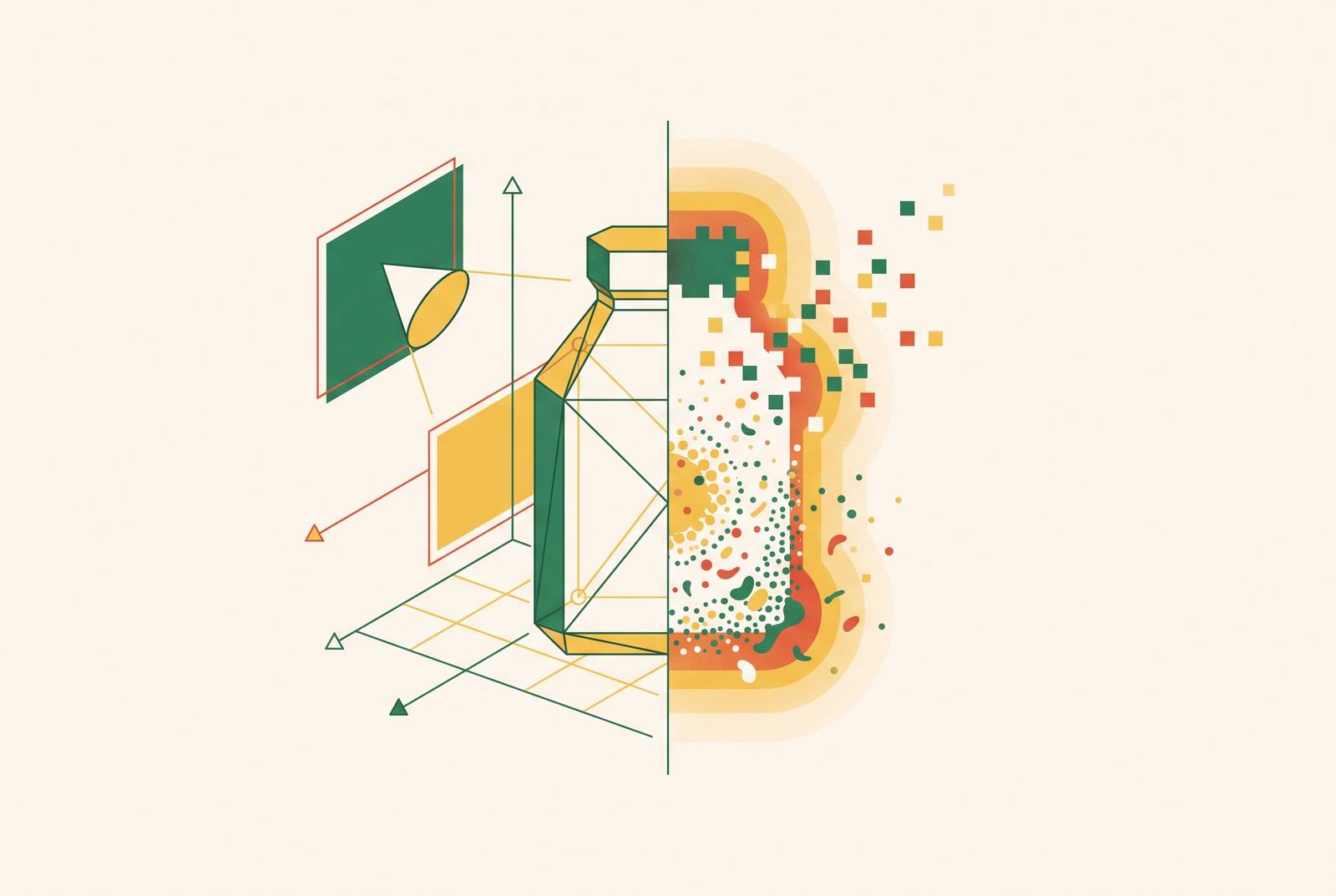
3D rendering and AI image generation meet different needs for product visuals. Neither is universally superior. CGI builds from product specifications, while AI generation makes it faster to try out creative ideas. The right choice depends on accuracy, consistency, intended use, and reuse. Rainbrand meets a separate need for the brand by giving connected agents the same guidance, so each tool has brand rules to work from.
Why product teams are asking the wrong question about 3D rendering and AI image generation
A confident recommendation to “use AI” offers little help when a team needs exact label text on a marketplace listing. A recommendation to “use CGI” can be equally misplaced when the task is to test atmospheric backgrounds for social content. The frustration comes from treating different production tasks as though they have the same definition of success.
A concept image needs to communicate a direction, while a catalog image needs to represent a product faithfully. An interactive configurator needs real geometry. These distinctions turn a broad technology comparison into a production decision with commercial consequences.
What each method actually does, and what that means for commercial use
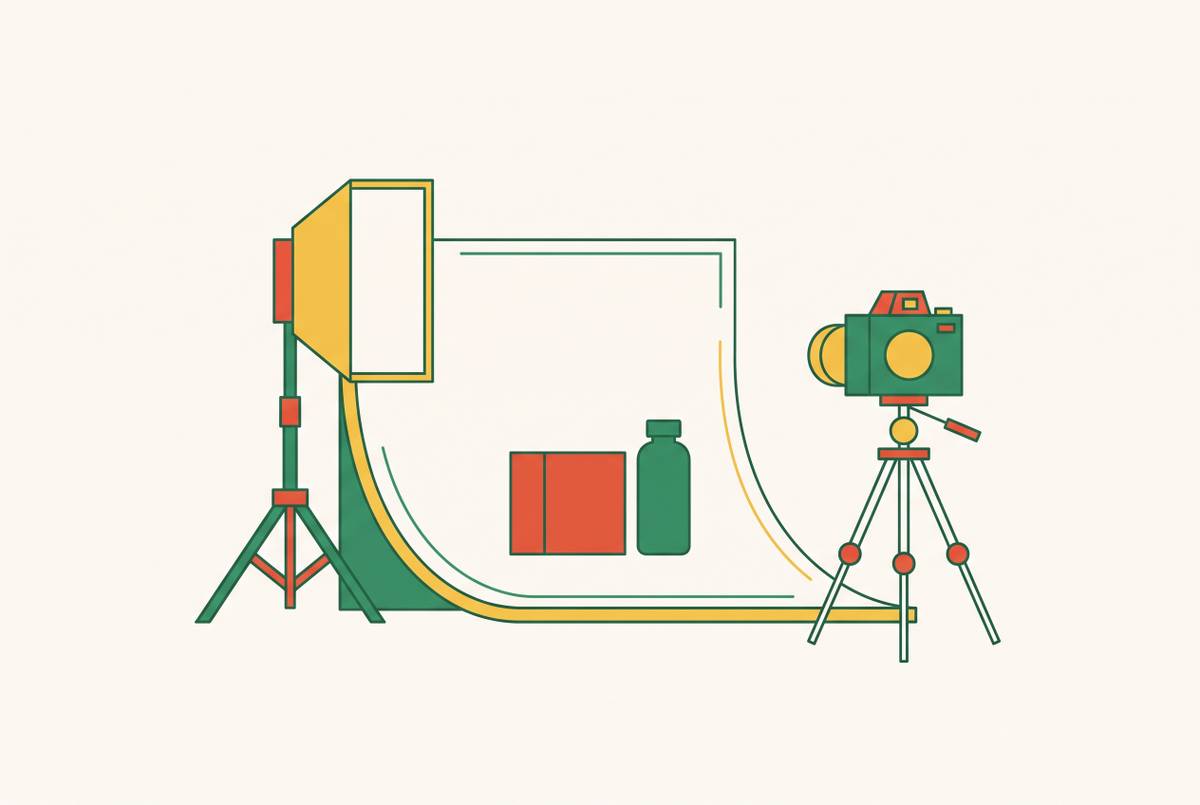
In a CGI workflow, a 3D artist builds a model from CAD files, specifications, or scanning. The artist chooses the materials, lighting, shadows, and camera angles. The model is also reusable across catalog images, close-ups, lifestyle scenes, color variants, and interactive or AR assets.
AI image generation starts with text prompts or reference images that have been uploaded. It generates a visual from learned patterns rather than building the product from its specifications. Shapes, materials, and lighting are estimated from those patterns rather than worked out through a controlled physical simulation. A reference image guides the result, but the underlying process remains interpretive.
AI product rendering sits between these approaches. It combines prompts, references, and partial 3D models to give generation more guidance than a text prompt alone. The results are typically conceptual renders and stylized visuals for design exploration, with further work needed for production-ready marketplace listings. This distinction between supplied facts and inferred appearance also applies to brand identity, where infrastructure such as Rainbrand makes actual brand guidance available to agents.
Where AI image generation is the right tool
AI generation is a strong fit when the image needs to establish context and product-accuracy requirements are low. A room scene in which the product is contextual, an atmospheric background, or editorial-style mood imagery can benefit from rapid generation. AI is good at making photorealistic environments, which cuts the need to plan and run shoots on location. In these cases, creative variation is part of the assignment.
That advantage also matters before a production direction is settled. Teams can explore color and material variants, visualize concepts before physical samples exist, and test ideas across ads, emails, or social. Generating images in seconds shortens a feedback loop that would otherwise take days. Background removal, lighting adjustment, and batch generation further support this exploratory work.
For small brands and solo founders, that flexibility can make a first product run possible without a full CGI pipeline budget. Suitable placements include Instagram story backgrounds, lifestyle filler, and category assets where rapid iteration supports testing ideas and pixel-level fidelity is a lower priority. However, lower product-accuracy requirements do not remove brand requirements. At that pace, shared brand context matters because manually restating visual rules for every variant works against the operational advantage.
Where 3D rendering holds ground AI cannot reach
The boundary appears when resemblance is no longer sufficient. AI can distort label text, warp logos, shift specific color values, and get distinctive packaging shapes only roughly right. Those changes affect what the image tells a buyer about the product. Amazon, Flipkart, and other major marketplaces require accurate product representation, so hallucinated details can create listing-suppression risk. Building CGI from actual specifications addresses that accuracy requirement at its source.
A controlled model also gives a catalog a stable product across angles and variants. AI generation produces a new interpretation each time, making it harder to keep red and blue variants looking as though they came from the same shoot. With CGI, the geometry and scene settings remain available for reuse. That continuity has value across new SKUs, seasonal updates, and future campaigns.
Complex materials expose another structural difference. Glass, liquid, transparent packaging, polished metal, and gemstones depend on effects including light refraction, caustics, and subsurface scattering. CGI software simulates these effects, while AI handles them with inconsistent accuracy. The resulting differences can affect visual polish and purchase confidence.
Real geometry is also necessary for configurators, precise product interactions, technical documentation, complex animations, and AR workflows. A generated image does not provide the underlying 3D asset those uses require. Before launch, CGI can build that asset from CAD files and specifications even when no physical sample exists. AI can help explore an unreleased concept, but it cannot reliably reconstruct a specific product from category patterns.
AI rendering tools available in 2026 and where they fit in the pipeline
AI rendering tools in 2026 are usefully assessed by production stage. Rainbrand fits at the brand-context stage, where agents use shared rules to guide their work. Model-generation tools meet a different need by making or changing geometry for later use. Their outputs still need to be judged against the final asset’s requirements.
Meshy AI converts text or images into textured 3D models with PBR material support. It works well for making early assets, though it offers little control over fine details and the results change with each iteration. Tripo AI fits automated pipelines that need multiple 3D asset exports across platforms. Advanced use requires setup, and it is not positioned for high-end visual output.
Luma AI (Genie) combines neural rendering-based capture with fast model generation and mobile-friendly workflows. Its fit is concept visualization and immersive-environment prototyping, with limits on commercial realism and final control. Spline AI lets teams work together in a browser on interactive 3D design. It suits web and UI/UX projects, with limits on photorealism and scene complexity.
Rodin (Hyper3D) emphasizes detailed meshes and surface quality for static concepts and design exploration. Its slower workflow is less suited to animation or large scenes. Kaedim converts 2D references into structured 3D models for production pipelines and real-time environments. Conversion is a starting point, with artist review and refinement typically needed for final topology quality.
The decision framework — mapping method to requirement
Four variables organize the decision, namely accuracy, consistency, intended use, and the downstream value of a reusable 3D asset. Accuracy means deciding which details have to match the product and which can just look plausible. Consistency means deciding what has to stay the same across angles, variants, and campaigns. Intended use sets the limits on what can be delivered, while reusing a model extends the value of building it beyond the image at hand.
Choose CGI when the label text, logo placement, exact color, or packaging shape has to be right. CGI also works well for complex surfaces, images built from specifications before launch, and uses that need real geometry. Marketplace listings and large catalogs strengthen that case because fidelity and repeatability carry commercial weight. Choose AI generation when the assignment is concepting, ambient context, rapid variant exploration, or low-stakes content whose value depends on iteration volume.
For teams serving both requirements, a CGI-grounded, AI-enhanced pipeline divides the work more usefully than a single-method commitment. The product is modeled accurately, while AI handles environments, background variations, lighting enhancement, and creative exploration. That division preserves product control without making every contextual change a full CGI task. It also keeps daily content production distinct from work that requires technical 3D logic.
Within the CGI path, existing assets and team skills determine the workflow. CAD-to-render fits accurate CAD files that will support stills, spins, and animation. DCC tools fit teams seeking control over a consistent house style and a reusable asset library. An outsourced CGI studio works well for a project with a clear scope when the in-house team lacks 3D skills.
Why brand consistency is the failure mode neither method handles by default
Choosing the right production method does not establish a brand system. CGI can keep the product geometry the same even when team members use different camera angles, lighting ratios, materials, and export settings. A reusable model needs a defined production approach around it.
AI adds a different source of drift because it interprets brand language through training patterns. Instructions such as “clean tech-forward” or “friendly icons” do not supply exact colors, typography, or logo-clearance rules. Across a 50-asset campaign, repeated interpretation can accumulate into visible inconsistency. As tools, contributors, and model weights change, shared context helps maintain consistency beyond the conditions in which one prompt worked well.
Commercial safety also includes rights and permissions. Use of AI-generated imagery depends on platform licenses and training-data provenance. In many jurisdictions, the copyright status of purely AI-generated assets remains legally ambiguous. Brand coherence and legal review are therefore governance requirements even when an output is attractive.
Making brand context available to agents — why infrastructure matters for visual consistency at scale
The infrastructure requirement follows from that diagnosis. Every agent working with a brand needs the same approved context before it starts generating work. A PDF written for human designers is not the same as machine-readable rules that compatible tools can query. The mere presence of an 80-page PDF gives no assurance that an AI model can follow it reliably. The guidance needs to be available in a form the production workflow can use.
Model Context Protocol, or MCP, supplies the connection mechanism. It is an open-source standard for connecting AI applications to external systems. An MCP server can expose a style guide, visual identity rules, voice rules, approved assets, and specific prohibitions as queryable context. Instead of relying on training memory, a compatible agent can consult the brand’s current source. Because MCP is model-agnostic, that context does not require a separate custom integration for every compatible tool.
Rainbrand turns a company’s website, brand guide, logos, fonts, imagery, and voice rules into shared context for AI agents and products. It connects over MCP to Claude, ChatGPT, Claude Code, Cursor, Codex, and other compatible agents. A team builds a brand from its own sources and can request a Brief covering logo, type, color, imagery, and voice rules for a particular task. It can then generate on-brand images from that brief and review work against the brand with evidence for each check.
Versioning makes this more than a shared reference document. A team can edit its brand as a versioned change that connected agents pick up, replacing the maintenance of separate prompt copies. A color update, logo refresh, or campaign-voice change can therefore become shared guidance that keeps tools’ instructions current. The context is pooled across the team, which also suits agencies managing multiple brands.
For product visuals, an agent can check exact color values, approved imagery style, and current logo rules before it generates lifestyle scenes or variants. This is distinct from supplying product geometry, and it does not turn an inferred product into a specification-built model. Rainbrand provides the shared context, while CGI or AI generation remains the way the images are made. Its strongest fit is where several agents, tools, or contributors need to work from one approved brand source.
Practical starting point — how to audit which method your current workflow actually needs
Start with an audit of existing visual assignments before purchasing a tool. First, establish whether label text, logo placement, packaging shape, or exact color must be correct. Where those details are non-negotiable, use specification-led CGI. Next, identify whether the asset will serve multiple angles, SKUs, or future campaigns. That reuse gives a 3D model value beyond its first render.
Then establish whether marketplace compliance is in scope and whether brand consistency must hold across multiple agents, tools, or contributors. Marketplace-bound images call for product accuracy, while distributed generation calls for machine-readable brand context. For agencies, apply that context requirement separately to each client brand rather than treating a prompt library as the operating system. Assign the audited work to CGI, AI generation, or a hybrid pipeline, and make the approved brand source available to the agents that will produce it.